β—Ž Real app blocking, built on Apple Screen Time

You know what to do.
You just can't pick.

Task Roulette takes the decision away. Add your tasks, spin the wheel, and it chooses one for you β€” then blocks the apps that pull you away until it's done.

Download on theApp Store
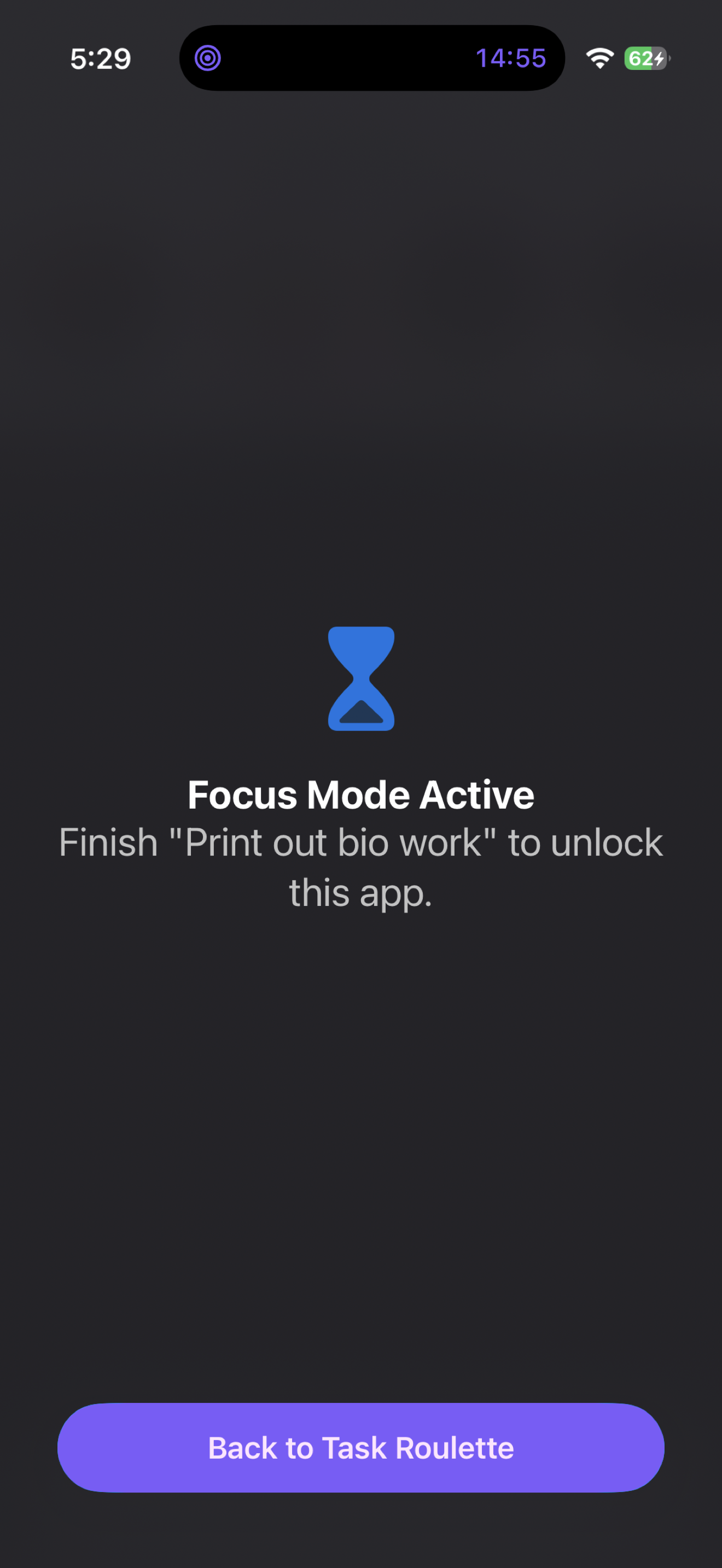
A blocked app showing the Focus Mode Active shield
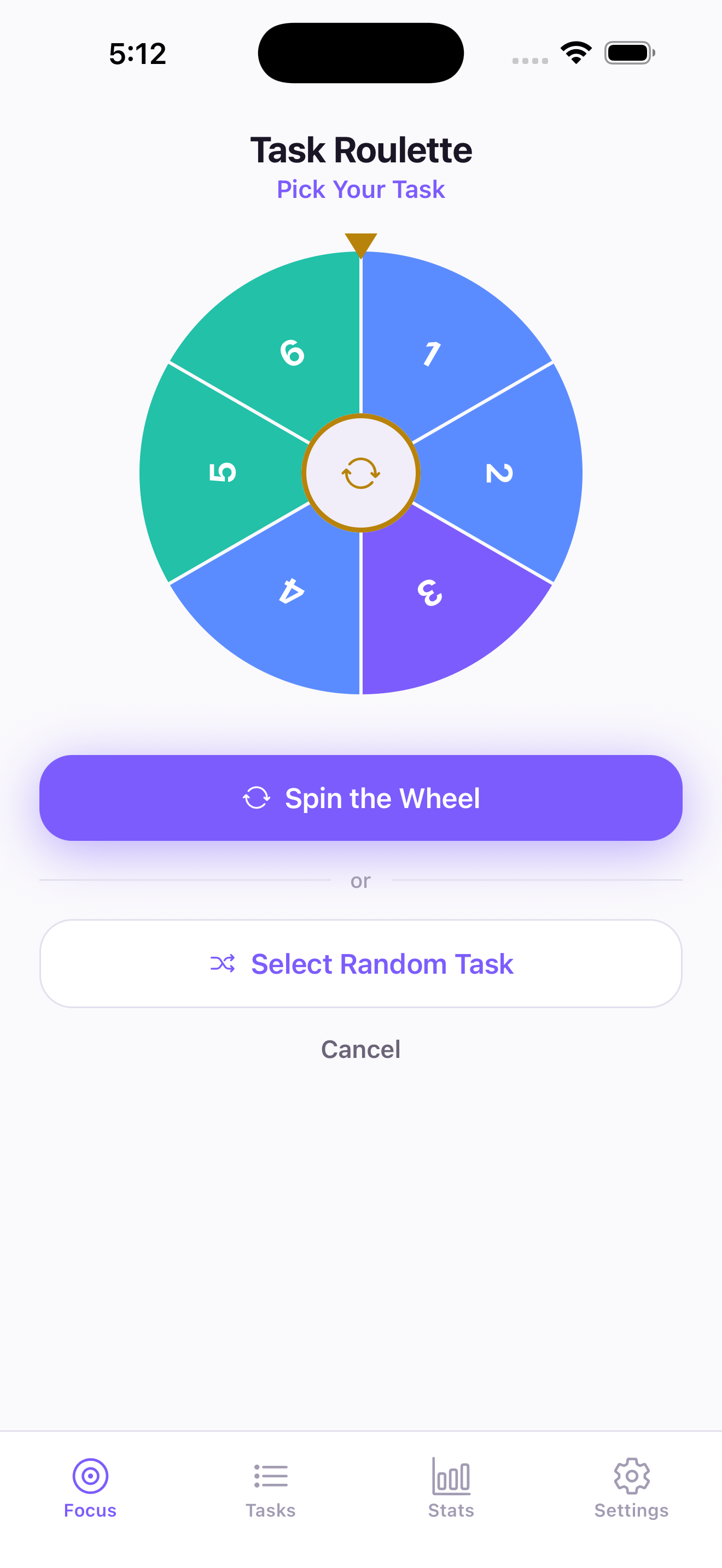
The Task Roulette wheel with numbered task slices

Three steps, then you're working

No prioritizing. No reordering the list for the fourth time.

1

Add your tasks

With notes, subtasks and categories if you want them. Or just a title and nothing else.

2

Pick what to block

Choose the apps that derail you, through Apple's own picker.

3

Spin

The wheel chooses. The timer starts. Your distractions stop opening.

It doesn't nudge. It blocks.

During a focus session, opening a blocked app shows β€œFocus Mode Active” instead β€” and it stays that way until you finish the task or end the session. Not a reminder. Not a guilt screen. The app doesn't open.

It's built on Apple's Screen Time system, so it holds even if you force-quit Task Roulette. And there's always a press-and-hold emergency unlock, so you're never actually stuck.

The Focus Mode Active shield on a blocked app

What's inside

Everything free, except where noted.

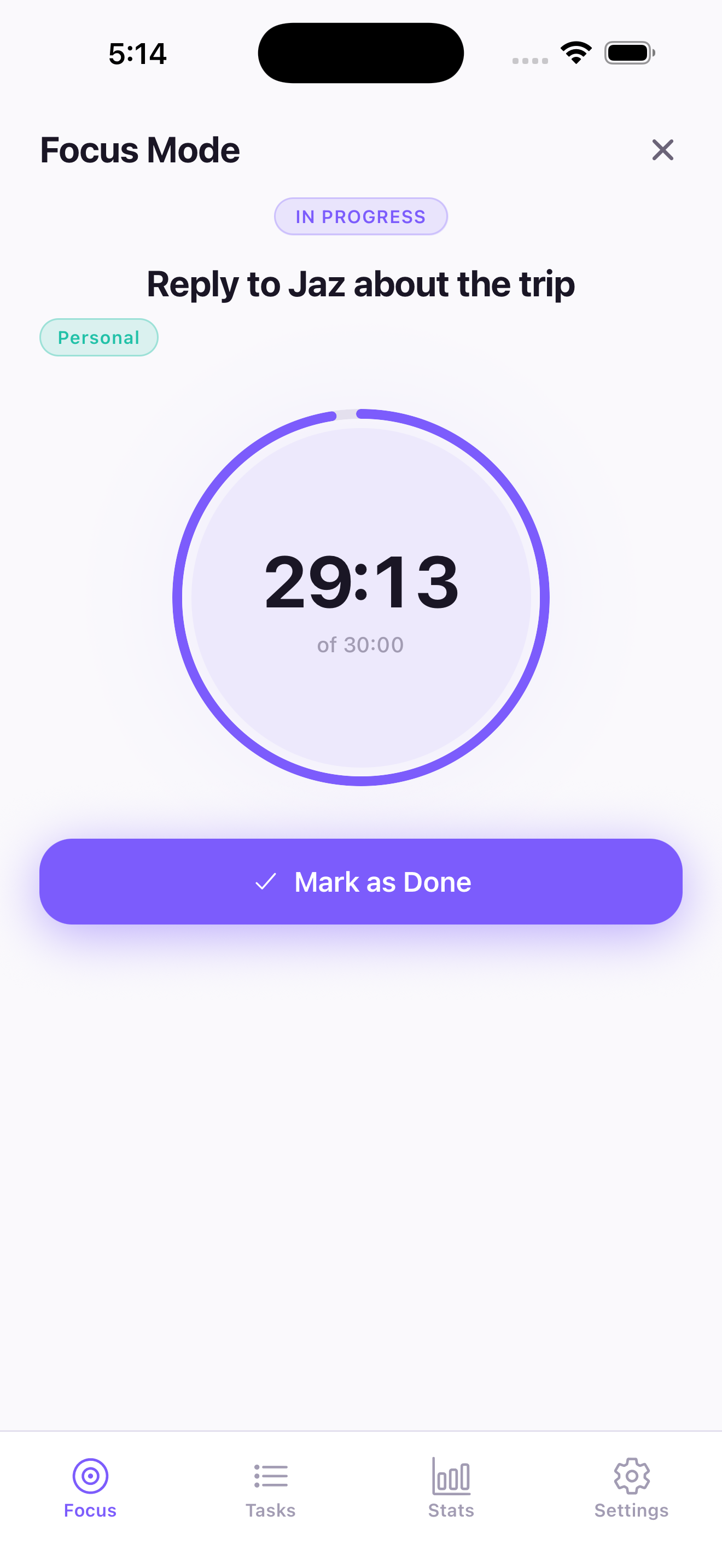
A focus session running with a countdown ring

Your data stays on your phone

No account. No sign-up. No server. Task Roulette has no analytics, no ads and no trackers, and it never sends your tasks anywhere β€” because there is nowhere to send them.

Even the blocking is private: you choose apps through Apple's picker, which hands the app an opaque token. Task Roulette never learns which apps you picked, only how many. Read the privacy policy.

Support

Email taskroulette11@gmail.com β€” it goes straight to the person who made the app.

Blocking isn't working

Two things have to be set up first: grant Screen Time permission when iOS asks, and pick at least one app under Settings β†’ Choose apps to block. Without both, sessions run a timer but won't block anything.

I'm locked out and need my apps back

Press and hold the unlock control on the lock overlay for five seconds. Blocking also lifts on its own the moment the timer reaches zero, even if the app is closed.

I paid for Pro but it isn't showing

Settings β†’ Restore Purchases. Make sure you're signed into the same Apple ID you bought with β€” that's the usual cause.

How do I cancel?

iPhone Settings β†’ your name β†’ Subscriptions β†’ Task Roulette β†’ Cancel. Subscriptions are managed by Apple, so cancelling happens there rather than in the app.

Stop deciding. Start doing.

Free on iPhone. iOS 16 and later.

Download on theApp Store